Unlocking the Full Potential of Apple Wallet: 10 Essential Tips
By Editor • August 25, 2026 • 3 min read
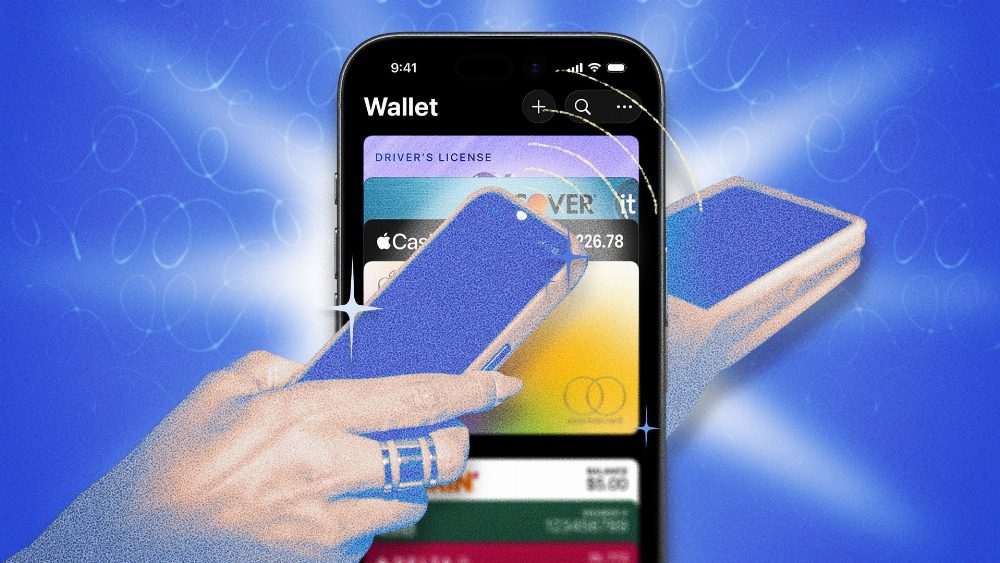
For users within the Apple ecosystem, Apple Wallet serves as more than just a digital wallet; it’s a comprehensive tool for managing payments, tickets, and more. With a treasure trove of features, many remain underutilized. Here are ten crucial tips that can enhance your experience with Apple Wallet.
One of the standout features is Express Mode, which allows users to access transit cards and compatible passes without needing to wake their devices or authenticate themselves. This can be a lifesaver when your iPhone runs out of battery, enabling you to still navigate public transportation or unlock doors. To set this up, select your card, tap on the three dots, choose Card Details, and navigate to Express Transit Settings. However, users should be mindful that this convenience comes with the risk of unauthorized access, as no authentication is required.
When it comes to online shopping, there are still merchants that don’t accept Apple Pay directly. In these cases, generating a virtual card number for Apple Cash can be extremely useful. This feature allows you to make purchases while keeping your actual card details secure. Simply select your Apple Cash card, tap the card icon, and follow the prompts to generate a disposable card number.
If you frequently use different cards for various purchases, utilizing the Shortcuts app can streamline your transactions. By creating location-based automations, Apple Wallet can automatically select the best card for your needs, whether you're buying groceries or filling up your gas tank. This setup is simple; just navigate to the Shortcuts library, set up the automation, and choose your preferred card for each location.
Splitting bills has never been easier thanks to the Tap to Cash feature. This enables instant money transfers between two iPhones or Apple Watches without needing to exchange contact details. To use it, ensure your Apple Cash is activated, then follow the prompts in Wallet to send or request money seamlessly.
Apple Wallet also allows users to store and share digital keys for homes, vehicles, and more. With the option to set custom permissions, you can share access with others while maintaining control over their capabilities, such as limiting their ability to reshare or setting parameters on vehicle usage.
Tracking purchases and shipments is made simple within Wallet, especially for Apple Pay transactions. By enabling order tracking in settings, users can keep all their shipping details in one place. Additionally, Apple is testing a feature that pulls order updates from your email, enhancing this functionality.
Another practical use of Apple Wallet is the ability to store digital IDs, such as driver’s licenses and passports. While availability may vary by state, having a digital ID can expedite processes at TSA checkpoints and may be accepted at various entertainment venues.
For those who also use Macs, enabling payments through your iPhone can enhance your online shopping experience. This is especially important in scenarios where biometric authentication isn't possible. By allowing payments on Mac, you can authenticate purchases directly from your iPhone or Apple Watch.
If you’re looking to digitize your physical cards, some apps like MakePass can assist in scanning and integrating unsupported cards into Apple Wallet. Future iOS updates promise to include a feature that will make this process even simpler.
Lastly, if you frequently use Apple Pay for subscriptions, it’s wise to audit your connected merchants. You can view pre-authorized payments in Wallet and revoke payment tokens, although cancellation must be handled directly with the merchant.
Source: lifehacker.com
#Apple Cash #Apple Wallet #Digital IDs #Express Mode #Shortcuts