Essential Steps to Erase Your Data from Popular Dating Apps
By Editor • August 27, 2026 • 3 min read
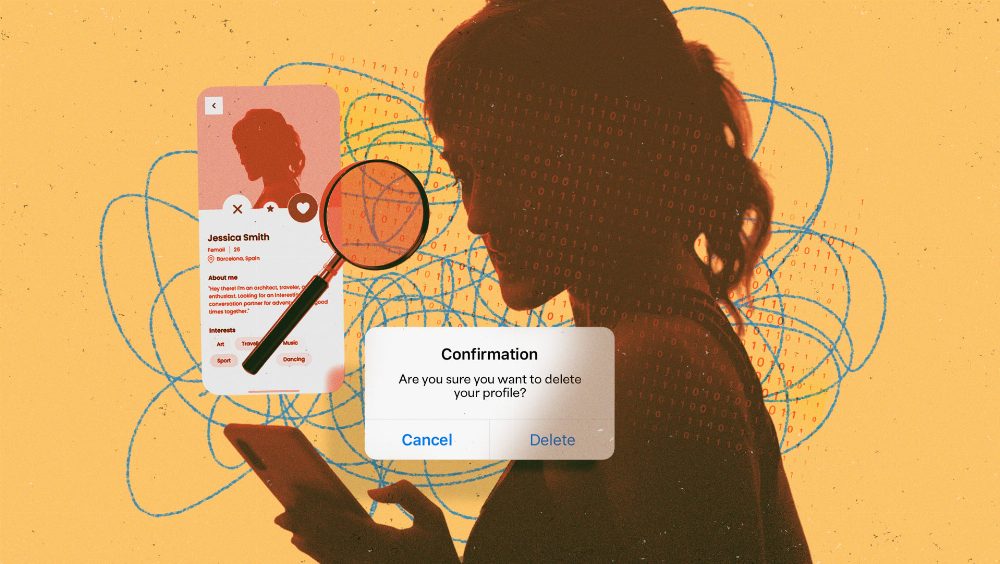
In today’s digital dating landscape, your profile holds an extensive collection of personal information, from your gender identity to sensitive geolocation data and even biometric details. Many users might overlook the implications of sharing such private information, often considering the convenience of dating apps over potential risks. However, recent data breaches, notably at Match Group affecting Tinder, Hinge, and OKCupid, have highlighted the importance of safeguarding this information.
Simply deleting the app or your profile doesn’t suffice to ensure your data is entirely removed. To fully erase your presence from these platforms, a formal data erasure request is essential after account deletion. This process varies slightly across different apps but generally follows a similar structure. The legal landscape is increasingly supportive of user privacy, with laws like GDPR and CCPA empowering consumers to demand data removal.
Here’s a straightforward guide on how to delete your profiles and ensure your data is wiped from five major dating platforms: Tinder, Bumble, Hinge, OKCupid, and Facebook Dating.
Deleting Your Tinder Account
To delete your Tinder profile, open the app or visit Tinder.com. Tap your profile icon, followed by the settings gear. Scroll to the bottom and select 'Delete Account.' Confirm your choice, and if prompted, you can skip answering why you’re leaving. Although this action hides your profile and matches, Tinder retains much of your data. To request a complete data removal, fill out Tinder’s Privacy Request Form.
Erasing Your Bumble Profile
For Bumble, open the app, tap your profile picture, and navigate to Settings. Scroll down to 'Delete Account,' confirm your choice when prompted, and note that Bumble keeps a backup for up to 28 days. To submit a data erasure request, use the in-app chat or email DPO@bumble.com.
Removing Your Hinge Account
On Hinge, tap the profile icon, then the settings gear. Scroll down to 'Delete or Pause Account,' select 'Delete Account,' and ignore the Fresh Start option. For data removal, visit Hinge’s help center and submit a request through their contact form.
Deleting Your OKCupid Profile
To remove your OKCupid account, launch the app, tap the gear icon, go to 'Account,' and select 'Delete Account.' Follow the on-screen prompts, and for a data removal request, raise a ticket at their help desk.
Erasing Your Facebook Dating Profile
To delete your Facebook Dating account, open the Facebook app, navigate to Dating, then to the settings gear. Switch to the 'General' tab and scroll down to 'Delete Profile.' Confirm your choice and if you wish to request the deletion of specific information, use the 'Create a case' option in the Meta Help Center.
Crafting a Data Erasure Request
When drafting your data erasure request, clarity is key. Send it from your registered email to avoid verification delays, and refrain from including sensitive information like passwords. Cite relevant privacy laws applicable to your region, such as GDPR Article 17 or CCPA for U.S. residents. Finally, request written confirmation of your data deletion to ensure your information is thoroughly removed.
For a quick template:
Subject: Data Erasure Request for [Your Account Username or Email]
To Whom It May Concern,
I am writing to formally request the erasure of my data in accordance with [specific privacy law]. Please confirm once my data has been fully deleted.
By following these steps, users can take proactive measures to protect their personal information and ensure their digital dating footprint is minimized.
Source: lifehacker.com
#Bumble #data erasure #data privacy #dating apps #Hinge #Tinder