Unlocking the Full Potential of Google Wallet: 10 Essential Tips
By Editor • August 26, 2026 • 2 min read
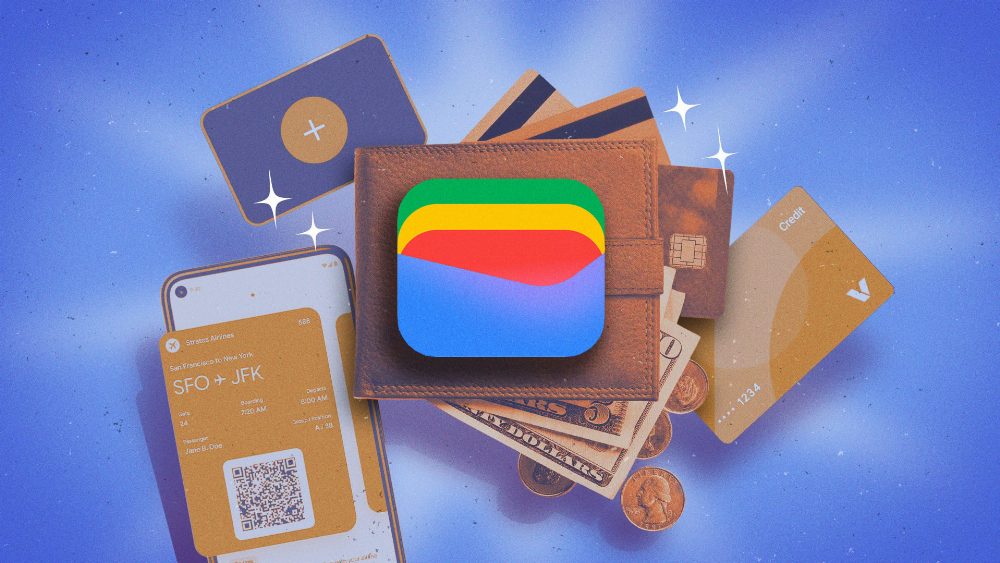
For Android enthusiasts, Google Wallet serves as more than just a digital wallet for payments; it's a powerful tool packed with features that can simplify daily tasks. Here’s a look at ten essential hacks to enhance your Google Wallet experience.
One of the standout features is the ability to enable location permissions. This allows Google Wallet to automatically suggest relevant cards, such as loyalty or gym passes, when you're near a participating location. To set this up, navigate to Settings > Apps > Google Wallet > Permissions. Once enabled, you can select specific cards to receive notifications when you’re nearby.
Additionally, you can digitize passes that don’t already integrate with Google Wallet. If you have physical cards like library or parking passes, simply snap a photo and upload it to the app. Tap "Add to Google Wallet", select "Photo", and follow the prompts to create a digital version that functions just like the original.
For those who frequently purchase tickets online, linking Gmail with Google Wallet can save time. Enable the automatic import of passes from your Gmail account by accessing Settings in the Wallet app and ensuring that Smart features are activated. This integration will gather your plane and concert tickets directly from your email confirmations.
Another useful feature is the integration with Google Maps. If you have a transit pass saved in Google Wallet, Maps can display which parts of your journey are covered and alert you if your balance is low. To activate this, go to your profile in Google Wallet and enable pass sharing permissions.
Parents will appreciate the supervised wallet option via Google Family Link, which allows kids to manage their payment cards securely. This feature ensures children can tap-to-pay without carrying physical cards, but they must be authorized users on any linked cards.
If you travel frequently, adding your passport to Google Wallet can facilitate a smoother airport experience. With the recent Touchless ID feature for TSA PreCheck members, you can breeze through security—simply add your passport and follow the prompts for verification.
For those purchasing tickets for groups, the Quick Share feature allows you to send digital passes directly to another user’s Google Wallet. Just look for the share icon on the pass details; however, keep in mind that not all passes are shareable.
Google Wallet also offers autofill capabilities for forms in Chrome. By enabling the option to use private passes across Google, you can quickly fill out information like your passport or driver’s license when using the browser.
Lastly, Google Wallet’s integration with Gmail for order tracking is a game changer. By enabling package tracking in Gmail settings, you can access detailed order statuses directly within the Wallet app, streamlining your online shopping experience.
For those keeping track of spending, Google Takeout allows you to export your transaction history from Google Wallet. This data can be downloaded and converted into CSV or Excel formats for easier budgeting.
Source: lifehacker.com
#Android #digital payments #Gmail integration #Google Wallet #travel tips