Unlocking the Power of iOS 27: Essential Tips for Your iPhone
By Editor • August 25, 2026 • 3 min read
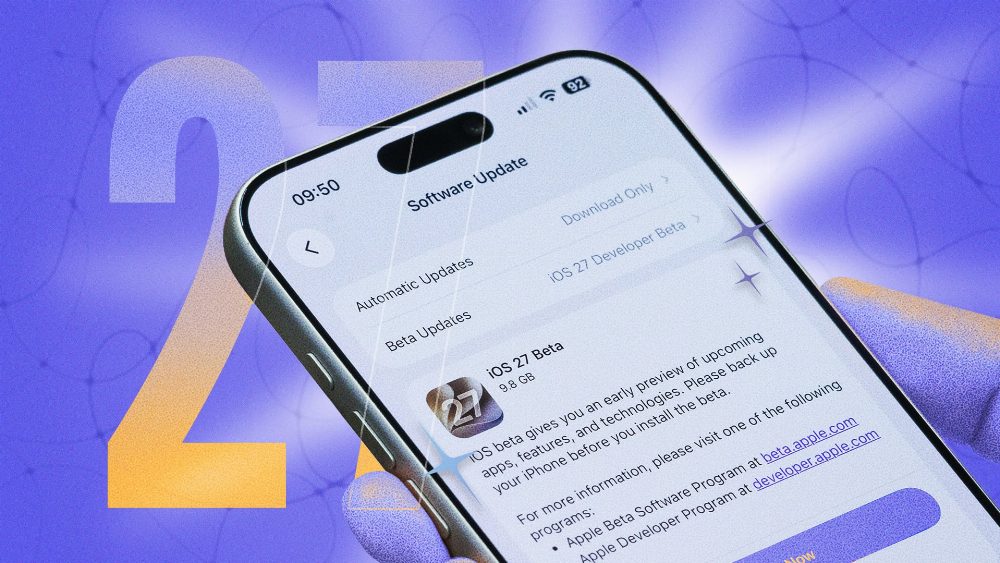
As the highly anticipated iOS 27 rolls out this fall, iPhone users with models from the iPhone 11 and later, including the second-generation iPhone SE, are in for a treat. With a focus on artificial intelligence and enhanced stability, this update promises to transform the user experience. Having spent the summer testing the beta version, I've compiled a list of ten invaluable hacks that can elevate your iPhone experience.
One of the standout features introduced with iOS 27 is the ability to customize the Liquid Glass design. While some users were critical of its aesthetic focus in iOS 26, the latest update allows for greater personalization. Navigate to Settings > Appearance > Liquid Glass to find a slider that adjusts the transparency effect, making your interface more readable by reducing or even eliminating the effect entirely.
Another useful tweak is the option to remove the audio message button in the Messages app—a common source of accidental voice notes. Go to Settings > Apps > Messages and select Show in Text Field. You can choose to keep it, swap it for dictation, or remove it altogether, leaving you with a cleaner interface.
For those who want to manage notification sounds better, iOS 27 allows different volume settings for ringtones, alerts, and alarms. Head over to Settings > Sounds & Haptics and disable Match Ringtone Volume for both alerts and alarms. This way, you can silence notifications while still hearing your important calls and alarms.
The Dynamic Island feature also gets an upgrade in this version, enabling you to set timers right from your lock screen. To do this, unlock your iPhone and customize the controls by removing either the flashlight or camera option. You can then add a timer control, making it easy to set a timer with a simple slider.
FaceTime users will appreciate the new Dual Capture feature, which allows for simultaneous streaming from both the front and rear cameras during a call. To activate it, simply tap the 'Flip' button while on a FaceTime call, switching between views effortlessly.
Fitness enthusiasts can rejoice with the integration of GymKit into iPhones, allowing users to connect directly to compatible gym equipment. This means you can track your workouts accurately even if you forget your Apple Watch. Just tap your iPhone against a GymKit-enabled machine, follow the prompts, and your workout data will be stored directly on your device.
If dictation is part of your daily routine, you’ll want to check out the Advanced Dictation Preview. This feature enhances accuracy by utilizing Siri AI to manage punctuation and formatting automatically. It's available on newer models, so enable it under Settings > General > Keyboard.
iOS 27 also includes a hidden recovery mode for diagnosing and fixing software issues without a computer. Access it by pressing Volume Up, then Volume Down, and holding the Side Button until you see the recovery options.
Lastly, the introduction of extra-large calendar widgets allows for a more comprehensive view of your schedule right from the home screen. To add one, long-press on an empty space, select the Calendar widget, and choose the size that best suits your needs. With these hacks, you can truly harness the power of iOS 27 and enhance your iPhone experience.
Source: lifehacker.com