Protect Your Privacy: How to Turn Off ACR on Your Smart TV
By Editor • September 8, 2026 • 2 min read
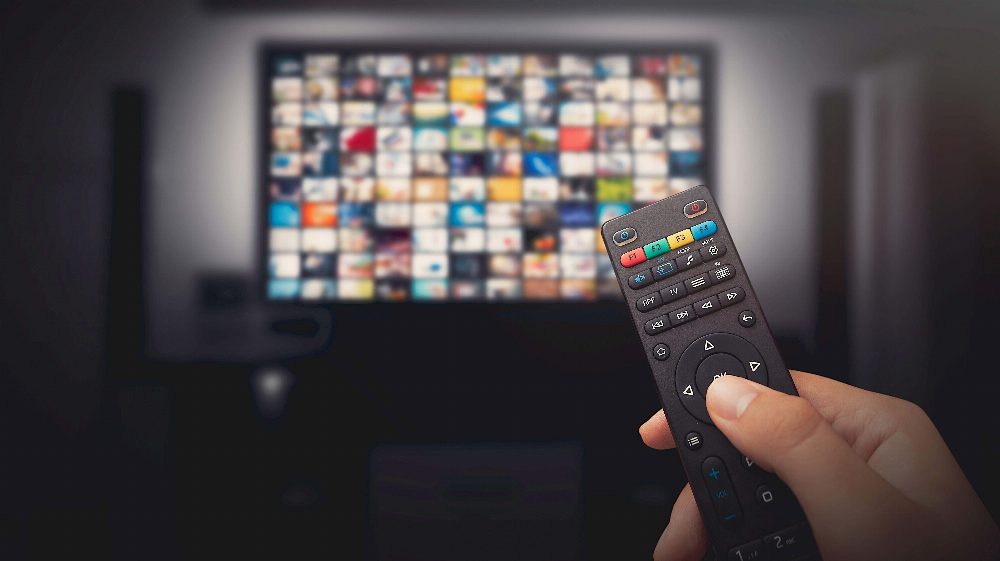
Concerns about user privacy have surged following a revealing investigation by Gamers Nexus, which unveiled alarming data tracking capabilities of LG TVs. Reports suggest that these devices can collect extensive information without user consent, including device names, locations, and even conversations.
In a shocking revelation, Gamers Nexus demonstrated that LG TVs are capable of recording audio and saving transcripts even when not connected to the internet. While the investigation does not accuse LG of intentionally capturing household conversations, it highlights serious privacy issues related to their data collection practices. Interviews with LG executives reveal a troubling focus on leveraging user data for advertising purposes.
Understanding ACR and Its Implications
Automatic Content Recognition (ACR) is a technology that allows smart TVs to track what viewers watch, using information to recommend content and serve targeted advertisements. This tracking often occurs without user awareness, with TVs taking screenshots and audio clips to send to databases for analysis. Many manufacturers incorporate ACR into their devices, sometimes buried within lengthy setup agreements that users may overlook.
Steps to Disable ACR on Various Smart TVs
Fortunately, there are steps you can take to limit data collection. Here’s a quick guide on how to disable ACR across some major brands:
- LG: Navigate to Settings > General > System > Additional (or Advanced) Settings > Live Plus. Also, consider enabling 'Limit Ad Tracking' under Advertisement.
- Samsung: For newer models, go to Settings > All Settings > General & Privacy > Terms & Privacy. Disable Viewing Information Services and Interest-Based Advertising.
- Sony: Access Settings > Initial Setup > Samba Interactive TV, and turn off Samba Interactive TV. Check under About > Ads for personalization options.
- Hisense: Locate ACR settings in Settings > System > Privacy, which may be labeled differently depending on your model.
- TCL: Find ACR settings under Settings > Privacy > Smart TV Experience, and disable 'Use Info from TV Inputs.'
- Amazon Fire TV: Go to Preferences > Privacy Settings and turn off Automatic Content Recognition.
By following these steps, users can take significant measures to protect their privacy while enjoying their smart TVs.
Source: lifehacker.com